How to Start a Faceless YouTube Channel
A straightforward guide to making YouTube videos with narration and visuals, without ever turning on a webcam.
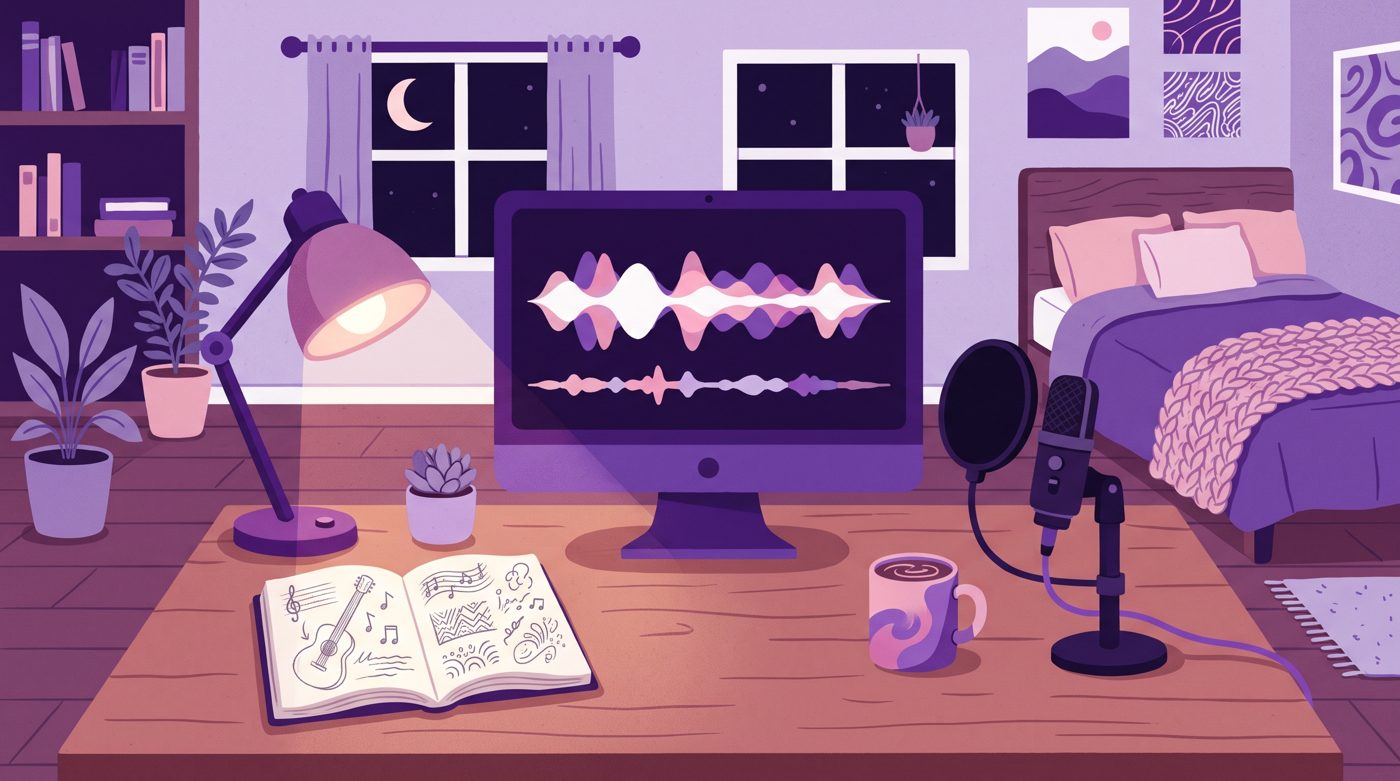
Starting a faceless YouTube channel is one of the best ways to create content online without buying expensive studio lights or tidying up your bedroom. You can share stories, teach skills, or entertain people using simple visuals and voiceover.
The hardest part is not learning fancy software. It is sitting in front of an empty project file wondering what your first three minutes should actually look like.
What is a faceless YouTube channel?
A faceless channel is any channel where the creator does not show their face on camera. The video carries the message through animations, slides, gameplay, or curated illustrations.
Viewers do not click because they want to admire your haircut. They click because they care about the story, the answer to a question, or the mood of the video.
Some creators worry that viewers will not connect with an unseen host. But audio books, documentaries, and animated films have hooked audiences for decades without anyone looking directly down a camera lens.
Picking a topic people actually watch
You do not need a completely unique idea that nobody on Earth has ever thought of. You just need a specific topic that you can explain clearly without getting bored after two uploads.
Here are common formats that work well without a webcam:
- True stories and mysteries told with animated scenes or motion graphics.
- Simple tutorials and walk-through guides using screen recordings.
- Curated history or science explainers using maps and illustrations.
- Gaming survival challenges with voiceover narration.
Look at this video from the channel Beanie Survives. The creator narrates a fictional survival scenario over simple gameplay footage.

945,276 views on a channel with 88,500 subscribers, 10.7 times its size.
That video reached 945,276 views on a channel with 88,500 subscribers, which is 10.7 times its channel size. Notice how the hook focuses entirely on the stakes of the challenge, not on the person holding the controller.
Writing a script that keeps people listening
A faceless video stands or falls on the script. If the words wander off track, viewers leave because there is no charismatic face to keep them staring at the screen.
Write like you speak to a friend. Read your sentences out loud while pacing across the room. If you trip over a sentence while speaking it, your audience will trip over it while listening.
Keep your script structured into three parts. Open with the question or conflict, deliver the core details in order, and end when the point is made.

Recording clean audio on a small budget
Viewers tolerate slightly fuzzy video, but harsh audio makes them click away within five seconds. You do not need a three-hundred-dollar microphone, but you do need to manage room echo.
Record in a small room with soft surfaces. A bedroom with a bed and curtains works better than a kitchen with tile floors and empty walls. Hanging a blanket behind you stops echoes from bouncing off bare plaster.
Spend twenty minutes testing your microphone distance. If you sit too close, your breath pops on every P sound; if you sit too far, you sound like you are shouting from the bottom of an empty swimming pool.
Creating visuals without filming yourself
Once your voice track is recorded, you need pictures that match the words. You have several simple routes depending on your drawing skills and patience.
- Stick figure animation: clear, quick to produce, and surprisingly funny.
- Motion graphics and kinetic typography: bold text sliding into view alongside clean icons.
- Illustrated scenes and sequential storyboards: visual scenes that match each story beat.
- Curated archive clips and maps: great for history, technology, and science.
Here is a tutorial by Mark Ai Guy that breaks down stick figure visual creation step by step.

298,809 views on a channel with 77,900 subscribers, 3.8 times its size.
That video earned 298,809 views on a channel with 77,900 subscribers, which is 3.8 times its channel size. It shows that basic character outlines can deliver ideas just as effectively as high-end 3D models.
Another route is dramatic storytelling using customized image scenes. The channel THE FINAL FRAME uploaded a true life story video that reached 1,065,408 views on a channel with 9,180 subscribers, which is 116.1 times its channel size.

1,065,408 views on a channel with 9,180 subscribers, 116.1 times its size.
Notice how simple pacing and sound effects create suspense even when the screen displays static compositions and subtle zooms.

Your action plan for this week
Do not get trapped in research mode for three months. You can launch your first experiment over the next six days by splitting the work into tiny daily tasks.
- Day 1: Write down three video titles you would personally click on today.
- Day 2: Write a 500-word script for the best title, focusing on one central question.
- Day 3: Record your voice using your phone or USB microphone in a quiet room.
- Day 4: Gather or create 15 to 20 images or clips that match your audio beats.
- Day 5: Lay your voice on a video timeline, place your visuals, and add simple cuts.
- Day 6: Design a clear thumbnail, export the final file, and hit publish.
If building and animating individual visuals by hand starts to feel like a full-time job, tools like Naravid can turn a written script into an illustrated, narrated video automatically.
Helpful resources for new channels
These free resources will help you research ideas, manage your audio, and handle editing.
Useful links
- YouTube Creators Official HubOfficial tips and best practices from YouTube on packaging and thumbnails.
- Google TrendsFree search data to see what topics people are searching for over time.
- Audacity Free Audio EditorA free tool to clean background noise and adjust volume levels on your voice recordings.
- r/NewTubers CommunityA Reddit community where beginners share honest feedback on edits and titles.
Questions people ask
Can a faceless YouTube channel get monetized?
Yes, faceless channels can join the YouTube Partner Program as long as they follow original content guidelines. Your videos must provide original commentary, narration, or educational value rather than just re-uploading unedited third-party clips.
Do I have to use my real voice for faceless videos?
You can use your real voice or high-quality synthesized voiceover. However, recording with your natural speaking voice helps your channel feel personal and makes scripting easier to adjust on the fly.
How long should my first faceless video be?
Aim for four to seven minutes for your first few uploads. A shorter script lets you polish pacing and editing without burning out before you finish your first upload.