How to Do Sound Design for YouTube Videos
Sound keeps viewers watching when visuals get boring. Here is how to build audio layers that hold attention without annoying your audience.
If you want to know how to do sound design for youtube videos, the secret is not buying a thousand-dollar microphone. The secret is pacing.
Viewers will forgive a grainy video camera. They will instantly click away if your voice is muddy, your music drowns out your words, or scene cuts feel dead silent.
Why Audio Controls Your YouTube Retention
When viewers open YouTube on their phones, their eyes wander easily. Good sound design creates an invisible rhythm that drags their brain back to the screen.
Every small pop, subtle swoosh, or sudden pause tells the listener that something new is happening. That audio cue resets their attention span before boredom kicks in.
In fact, professional video editors spend half their editing timeline working strictly on audio tracks. If you edit audio as an afterthought at 2 AM, your retention graph will show it.
The Four Audio Layers Every Video Needs
Think of your audio timeline like a sandwich. If you put dry bread on dry turkey with no sauce, nobody wants to finish it.
- Voiceover or Speech: The clear hero track that carries your core message.
- Room Ambiance: A faint background tone, such as quiet wind or room noise, that stops dead silence between sentences.
- Background Music: A melody that matches the emotional energy of your topic without stealing the spotlight.
- Foley and UI Accents: Clicks, keyboard taps, paper rustles, and soft pops that match things appearing on screen.
When you make a faceless YouTube channel, you do not have facial expressions to hold interest. These four audio layers do all the heavy lifting for you.
How to Do Sound Design for YouTube Videos Step by Step
Start by polishing your spoken voice track before you touch any sound effects. Cut out heavy mouth clicks, mute long breathing pauses, and apply basic noise reduction.
Next, lay down your music track. Pick tracks that match your topic, and split the music file whenever your video shifts to a new idea or chapter.
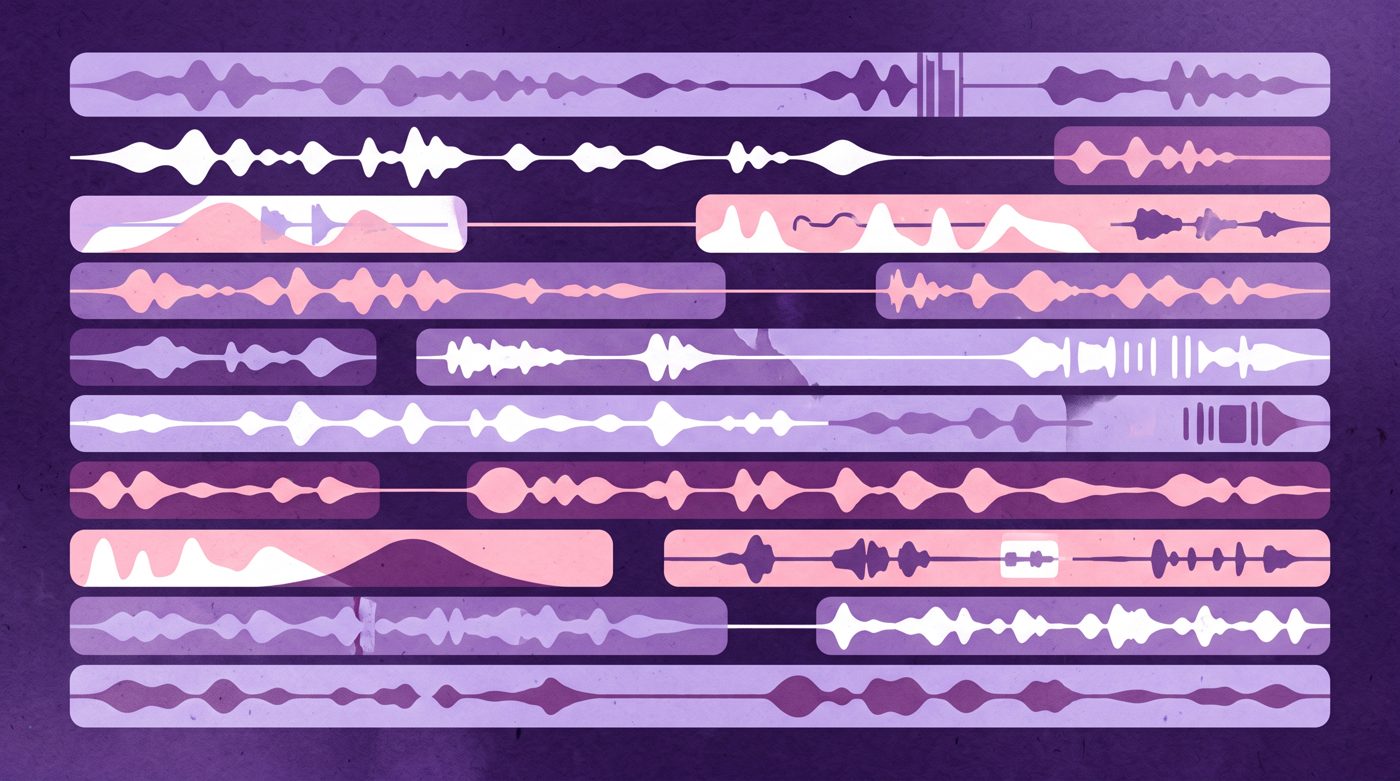
After your music is set, sprinkle sound effects on key visual transitions. Add a gentle paper slide when a graphic enters, or a soft click when text appears.
Watch How Animation Channels Use Sound Effects
Animated videos rely entirely on sound to make flat drawings feel alive and physical. Notice how physical movements in this clip match footsteps, thuds, and comical beats.

10,134,014 views on a channel with 23,800,000 subscribers, 0.4 times its size.
The video above by Dhot Design reached 10,134,014 views on a channel with 23,800,000 subscribers. Even simple cartoon figures feel punchy because every visual action has an exact audio reaction.
Picking the Right Sound Effects Library
You do not need ten thousand sound effects sitting on your hard drive. Most successful creators reuse a personal pack of fifteen favorite sounds across every video.
- Two whooshes: One fast and airy, one low and deep for heavy title cards.
- Two clicks: A clean mouse click and a camera shutter for image reveals.
- One bass drop: A low sub-boom for important conclusions or warning moments.
- One paper sound: A gentle page turn or crumple for lists and document reveals.
Keeping a small sound pack saves you hours of digging through sound libraries during editing. It also gives your channel a recognizable audio style over time.
Using Music Changes and Audio Drops to Reset Attention
Playing one continuous music track for eight straight minutes is an easy way to lull your audience to sleep. Their brain tunes it out as static elevator music.
Cut the music completely for two seconds right before you deliver a key punchline or surprising fact. That sudden silence makes viewers look back at their screens instantly.

24,638,699 views on a channel with 33,300,000 subscribers, 0.7 times its size.
This explainer video from Dhruv Rathee pulled 24,638,699 views with 33,300,000 subscribers on the channel. Notice how news chimes, paper slides, and subtle music swells keep a nineteen-minute health breakdown moving briskly.
Before you add your sound accents, make sure your spoken story is tight. You can follow our guide on how to write a YouTube script to structure your story hooks properly.
How to Level and Mix Your Audio Tracks
Great sound choices mean nothing if your volumes are all over the place. A viewer who turns their volume up to hear your whisper should not get blasted through the wall by an explosion.
Most video editing software displays decibel meters ranging from minus infinity up to zero. Keep these simple target ranges in mind:
- Dialogue: Balance your voice to peak between minus six and minus twelve decibels.
- Background Music: Keep speech-backing music between minus twenty-four and minus thirty decibels.
- Sound Effects: Tuck subtle accents between minus fifteen and minus eighteen decibels.
- Hard Impacts: Let cinematic stingers peak around minus ten decibels so they pop without distorting.

Always test your final mix through cheap phone speakers and cheap earbuds before publishing. Nobody watches YouTube on studio reference monitors.
Cinematic Dynamics for Intros and Climaxes
Big studio trailers use contrast to make big moments hit hard. They build tension with a quiet ambient tone, pull back all instruments, and hit with a heavy boom.

78,234,715 views on a channel with 33,800,000 subscribers, 2.3 times its size.
The Netflix trailer above earned 78,234,715 views on a channel with 33,800,000 subscribers. Pay attention to how string risers build anticipation right before the title reveal lands.
You can use that exact same trick in educational and story videos. A gentle pitch riser building for three seconds makes any visual reveal feel ten times more dramatic.
Your Five-Minute Sound Design Checklist
Run through this quick check before exporting your next video file:
- Can you understand every spoken word clearly with phone volume set at thirty percent?
- Did you lower the music volume during fast, complex narration?
- Does every visual text pop have a corresponding soft audio cue?
- Did you cut the music at least twice to reset the viewer's attention?
Building scenes and matching audio clips by hand takes practice. If assembling every scene feels like a tiring second job, Naravid turns your finished script into an illustrated or animated video with clean pacing ready to go.
Useful links
- YouTube Audio LibraryOfficial source of royalty-free background music and standard sound effects inside YouTube Studio.
- FreesoundHuge collaborative database of Creative Commons sound effects and real-world audio recordings.
- CapCut Audio ToolsPopular beginner video editor with built-in voice isolation, noise reduction, and sound effect tracks.
- AudacityFree open-source audio editor for cleaning up voice recordings and removing background hiss.
Questions people ask
Where do beginner creators find free sound effects for YouTube?
You can download thousands of royalty-free tracks directly from the YouTube Audio Library inside YouTube Studio. Sites like Freesound and the free tier of Mixkit also offer high-quality foley and UI sounds without copyright flags.
Why is my background music louder on mobile than on my computer?
Computer speakers have wider dynamic range, while tiny phone speakers compress sound and push midrange music right over your voice. Always check your video on your phone and lower background music volume by an extra two or three decibels if words feel buried.
Do I need paid audio plugins to get good sound design?
No, free tools built into basic video editors like DaVinci Resolve or CapCut are more than enough. Good sound design comes from matching sound cues to visual movement and balancing levels, not from expensive equalizer plugins.