How to Write a YouTube Script That Keeps Eyes Glued
A simple step-by-step guide to writing video scripts that keep people watching, even if you never want to show your face.

Most creators sit down to record, stare at their blank screen, and ramble for twenty minutes. If you want people to stick around, you need to learn how to write a YouTube script before you ever touch a microphone.
A good script is not a school essay. It is a set of directions that leads a viewer from one interesting thought to the next, without leaving room for boredom.
The good news is that writing for video is a skill anyone can learn. You do not need fancy screenwriting software or a degree in film to write lines that keep an audience watching.
The three parts of every working script
Every video that holds attention follows a simple pattern. You can break it down into three parts: the hook, the core journey, and the payoff.
- The Hook (0 to 30 seconds): Confirm the viewer came to the right spot, set the stakes, and start the story immediately.
- The Core Journey (middle bulk): Deliver the details in clear steps, keeping sentences punchy and visual.
- The Payoff (final minute): Resolve the main question, share the final takeaway, and point to another video.
If you skip the hook, viewers click away before you make your first point. If you drag out the ending with long goodbyes, they leave before your call to action.
How to write a YouTube script hook that works
Your title and thumbnail made a promise. The first sentence out of your mouth must prove that you intend to keep that promise right away.
Never start with your name, channel history, or a plea to subscribe. Nobody wants to hear your intro song while they are waiting for an answer to their question.
Instead, start in the middle of the action or state the central problem immediately. You can see this done well in story channels where every second counts.

171,036 views on a channel with 6,520 subscribers, 26.2 times its size.
In Storytime Animator Merch Makes No Sense by SleepyOat, the video collected 171,036 views with a channel of only 6,520 subscribers. That is 26.2 times its channel size, largely because the script jumps directly into the topic without wasted seconds.
Write for the ear, not the eye
People read formal sentences with their eyes, but spoken words feel very different. If a line feels stiff when you speak it aloud, change it.
Use contractions like don't, can't, and we'll. Break long paragraphs into quick bursts so your voice has natural moments to breathe.
You will sound much more natural if you write like you talk to a friend over lunch. If you sound like a textbook, your viewers will treat your video like homework and close the tab.
Reading your draft out loud while pacing your room will reveal every clumsy word. If you stumble on a phrase twice during practice, delete it.
Scripting visuals for faceless channels
When you run a channel without showing your face, your script must do double duty. It needs to tell the voiceover what to say and tell the screen what to show.
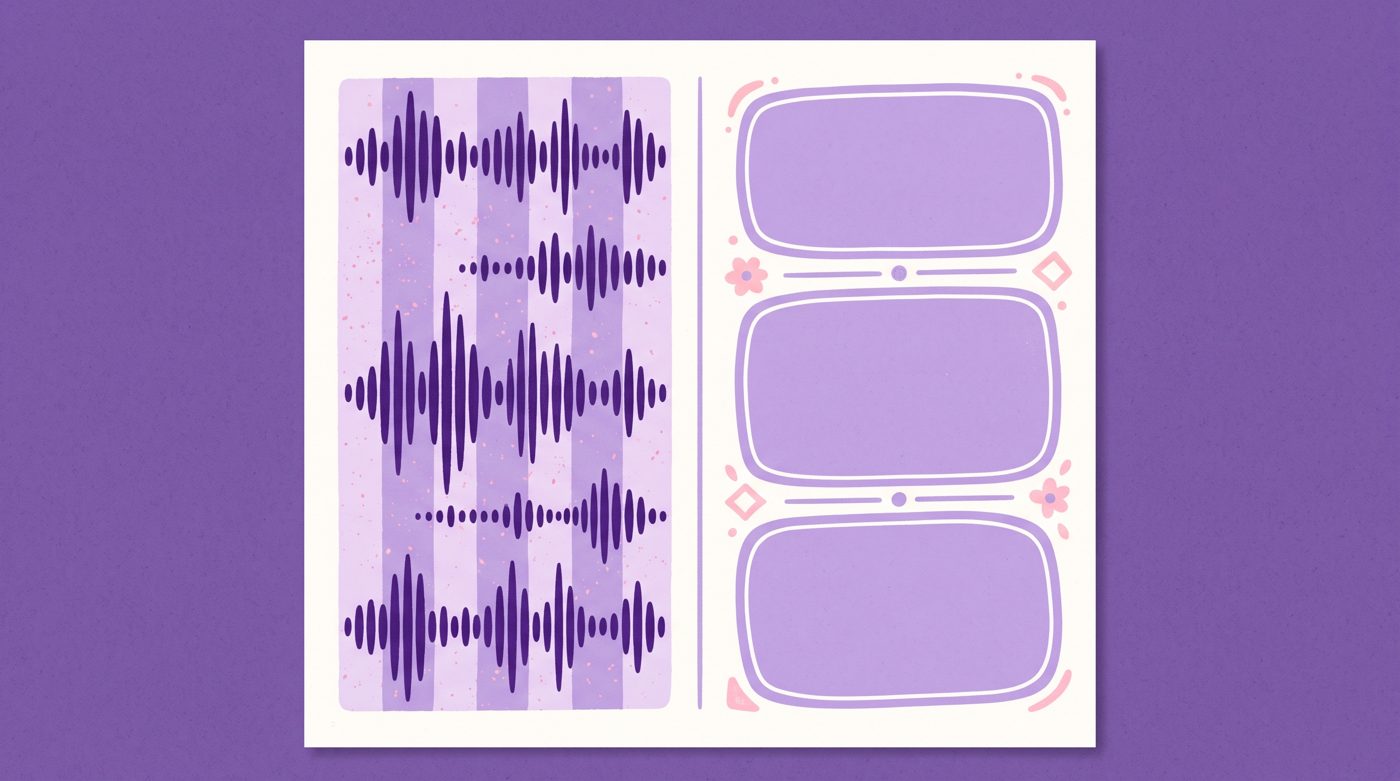
A simple two-column document works best. The left column lists the spoken words, and the right column notes what appears on the screen.
- Audio column: The exact words you say out loud.
- Visual column: The image, stock clip, sketch, or sound effect that matches each line.
- Pacing notes: Pauses, zoom-ins, or beat switches to keep the visual pace lively.
If you are exploring a narration project, reading our guide on how to start a faceless YouTube channel will help you pick a solid format before you write.
Keep retention high with open loops
An open loop is a small question you plant in the viewer's mind that you do not answer until later in the video.
When the brain hears an interesting problem, it wants closure. Dropping subtle hints about an unexpected twist keeps viewers curious enough to watch another three minutes.
Notice how animated storytellers use this to turn simple daily events into gripping tales. Small creators often pull massive view counts when their story structure is tight.

879,815 views on a channel with 209,000 subscribers, 4.2 times its size.
For instance, This Is What It’s Like to Live with 4 Strange Brothers by StoryBox Animated earned 879,815 views on a channel with 209,000 subscribers, reaching 4.2 times its channel size by pacing out character reveals.
If you enjoy that style of storytelling, check out our guide to start a storytime animation channel in 7 days for more workflow ideas.
Trim the fat without mercy
Every line in your script should either advance your main point, create curiosity, or provide entertainment. If a sentence does none of those three things, remove it.
Rambling happens when we repeat the same point using different words. Trust your audience to get the idea the first time you say it.
- Cut throat-clearing lines like 'as I mentioned earlier' or 'now let's move on'.
- Delete side stories that do not solve the main problem of the video.
- Shorten long transitions into simple, direct statements.
Most ten-minute drafts have about eight minutes of real substance. Cutting the extra two minutes makes the whole video feel faster and cleaner.
End cleanly without warning viewers
The moment you say 'to wrap things up' or 'that is all for today', audience retention drops like a stone. People click away the second they sense the show is over.
Instead of a long wind-down, deliver your final key thought and immediately suggest another video on your channel that answers their next question.
When turning scripts into finished videos feels overwhelming because you do not want to illustrate every visual yourself, tools can help. For example, Naravid lets you take your written script and transform it into narrated, illustrated scenes automatically.
Useful links
- YouTube Creator AcademyOfficial tips directly from YouTube on channel growth and audience retention.
- Google TrendsHelpful for checking search interest on your video ideas before writing.
- r/NewTubers CommunityA supportive forum where beginners share feedback on video hooks and script pacing.
Questions people ask
Should I write a full word-for-word script or just bullet points?
Beginners usually do best with a word-for-word script because it stops nervous pauses and rambling. Once you feel comfortable on the microphone, bullet points can work well for informal talking-head videos.
How long should my script be for an 8-minute video?
Most people speak around 130 to 150 words per minute during voice recordings. That means an eight-minute video script needs between 1,000 and 1,200 words.
What is the biggest script mistake new creators make?
Spending the first minute on channel intros, animated logos, or asking for likes before sharing any useful content. Start with the core topic immediately to keep viewers from clicking away.