Start a Storytime Animation Channel in 7 Days
A straightforward guide to picking your stories, sketching quick poses, and publishing your first animated video this week.
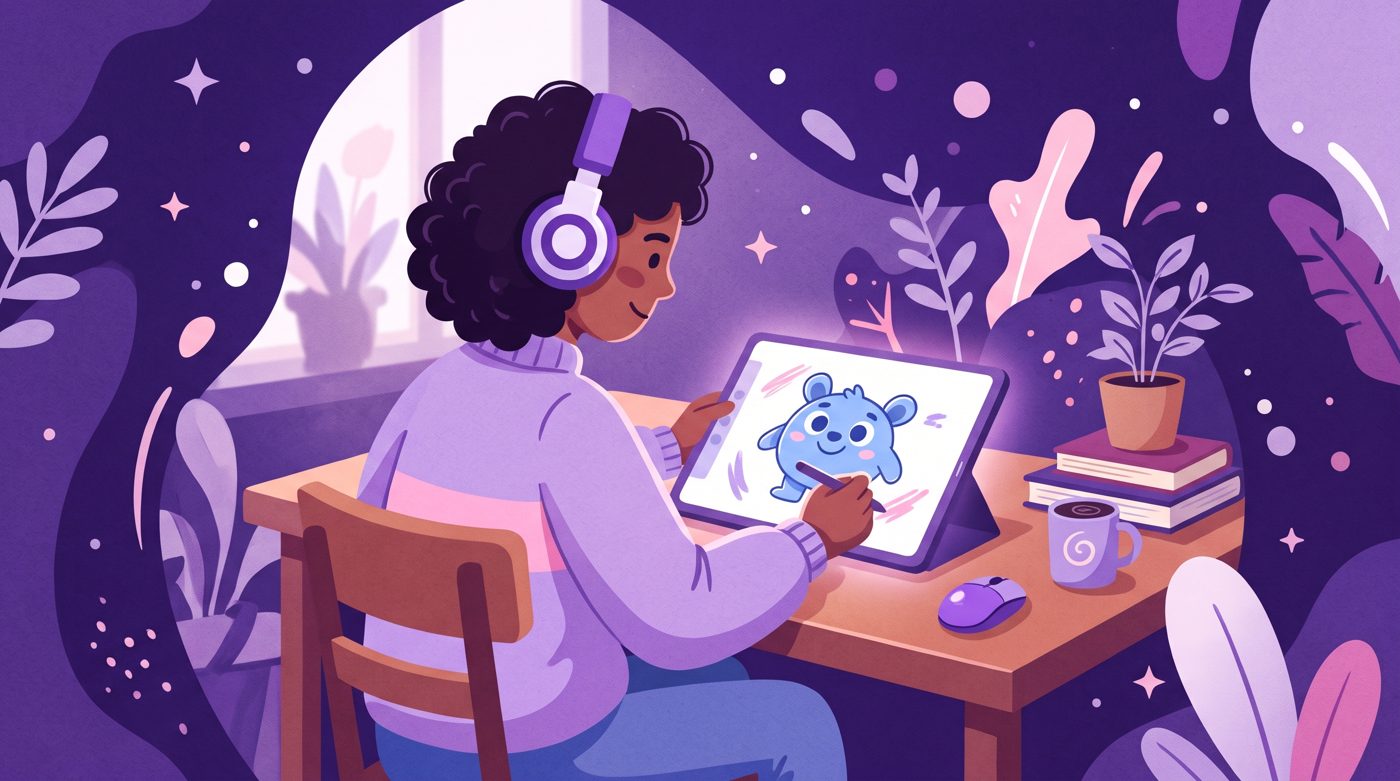
Starting a storytime animation channel sounds huge when you picture Disney animators drawing thousands of frames. The secret of YouTube is that you do not need 24 smooth drawings per second. You just need a relatable story and a few funny poses.
You do not need to show your face either. If you want to run a faceless YouTube channel, drawing a small character to speak your words gives you privacy and an instant personal brand.
What makes a storytime animation channel work
Most successful creators in this niche are not fine artists. They are storytellers who use simple drawings to underline emotional punchlines. If you can draw a circle with two dot eyes, you already have enough technique to begin.
The animation in this genre is mostly animatic style. Characters hold one pose while speaking, blink twice, and then jump to another pose when their mood shifts. The pacing of your spoken voice matters much more than smooth motion.
Small channels often outperform huge studios because their stories feel authentic. For example, the channel Muin Universe posted a 5-minute video titled 'My strict instructor FLIRTED WITH ME after my exam?! (Part 1) | Storytime Animation'. With 2,870 subscribers, that upload reached 67,910 views, which is 23.7 times its channel size.

67,910 views on a channel with 2,870 subscribers, 23.7 times its size.
Notice how simple the framing is. The video relies on funny timing, tension between the two characters, and strong facial expressions rather than complex background art.
Finding your first three story ideas
Beginners often get stuck because they think their life is too boring. You do not need to survive a bear attack to entertain people. YouTube audiences love ordinary embarrassments told with honesty.
- The worst test or job interview you ever sat through.
- A misunderstanding where you pretended to understand something you clearly did not.
- An awkward crush confession from middle school or high school.
- A retail job disaster involving a weirdly specific customer complaint.
Relatable romance and awkward encounters are perennial favorites. The creator TJ Toons posted a 12-minute video titled 'My Awkward Love Confession' which earned 945,364 views on a channel with 896,000 subscribers.

945,364 views on a channel with 896,000 subscribers, 1.1 times its size.
Write your story down as if you are telling it to a friend at lunch. Keep the sentence structure natural. If you stumble when reading it out loud, rewrite that sentence.
Gear and software you actually need
Do not buy a four-figure drawing display. You can start on an entry-level graphics tablet plugged into a laptop, or an iPad with an inexpensive stylus. Many popular creators spent years drawing with a mouse.
- Microphone: Use your phone microphone placed under a folded blanket to stop echo, or buy an affordable USB microphone.
- Drawing tool: Free programs like Krita, MediBang Paint, or ibisPaint work completely fine.
- Editing tool: CapCut or DaVinci Resolve lets you cut audio, drop in image files, and zoom in on characters easily.
You do not need separate mouth flap animations for every single syllable. A simple two-frame loop (open mouth, closed mouth) or static faces that change with mood will keep viewers watching.

The 5-step production workflow
Having a strict assembly line keeps you from burning out. Animation projects die when creators wander back and forth between script adjustments and drawing hands.
- 1. Write the script: Cap your first video around 500 to 700 words. That gives you a tight 3 to 4-minute runtime.
- 2. Record and clean audio: Delete coughs, heavy breathing, and long awkward silences.
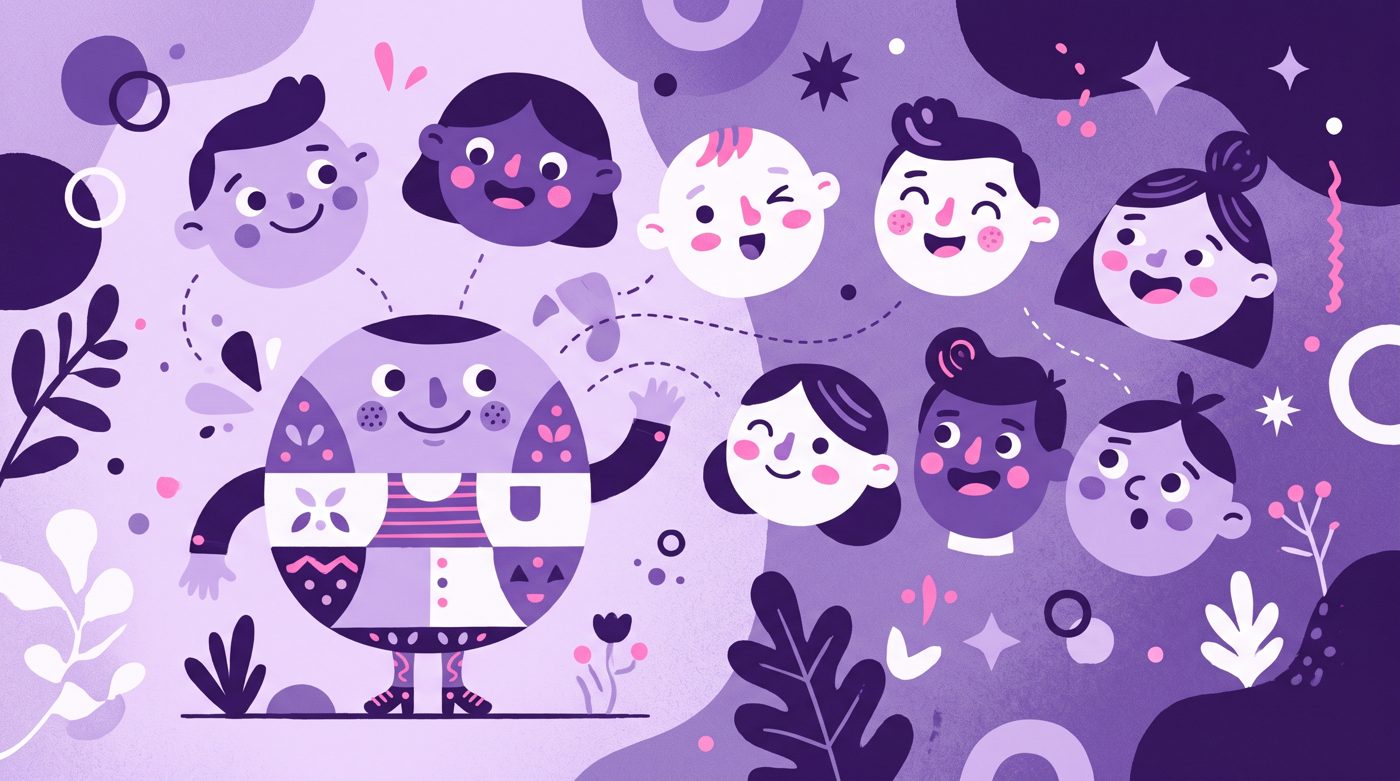
- 3. Create an asset library: Draw your character body once, then draw five different heads showing distinct emotions.
- 4. Drop assets onto the timeline: Import your PNG files over the voice track. Cut between poses whenever the speaker reacts.
- 5. Add camera moves and sound effects: Gentle digital pans and punchy sound cues make static drawings feel full of energy.
Even your first attempt will teach you the mechanics of the format. On the channel sakuraopal, the 11-minute video 'Here's my first attempt at storytime animation!' gained 11,740 views on a channel with 165,000 subscribers.

11,740 views on a channel with 165,000 subscribers, 0.1 times its size.
Notice how honest the presentation is. Viewers support beginner animators who share their creative hurdles openly in the community.
Publishing, packaging, and next steps
Your thumbnail should show a single, clean character pose showing high emotion, against a uncluttered background. Avoid crowding your thumbnail with miniature comic panels that nobody can read on a smartphone screen.
Upload consistently, even if that means posting once every two weeks. High-effort animation takes time, so set an upload schedule that does not cause creative exhaustion.
If drawing hundreds of stills and cutting audio on a timeline feels like too much work for your schedule, Naravid is an option that turns your written script into a narrated, illustrated video automatically. It lets you focus on telling funny personal stories without spending twelve hours drawing arm positions.
Useful links
- YouTube Creators HubOfficial tips and best practices for growing a new channel.
- YouTube StudioThe dashboard where you upload videos and review audience retention.
- Google TrendsCheck search interest for topics before you write your story.
- CapCutA beginner-friendly video editor that makes keyframing static drawings fast.
Questions people ask
Do I need to know how to draw to start an animation channel?
No, you only need simple stick figures or crude cartoon shapes to tell a story. Strong voice delivery and relatable writing matter much more than polished art skills.
How long should my first animated video be?
Aim for 3 to 5 minutes for your debut upload. Keeping it short allows you to finish the project without getting overwhelmed by the sheer volume of drawings required.
What free software is best for beginner animators?
Krita is an excellent free program for sketching your characters and poses. You can pair it with CapCut or DaVinci Resolve to assemble the audio and drawings into a finished video.