AI Voice YouTube Monetization: Can You Get Paid?
Everything you need to know about YouTube policies, robot voices, and how to keep your faceless channel earning money.
Yes, you can earn money using synthetic speech. YouTube does not ban computer voices, and ai voice youtube monetization is completely allowed under platform rules.
However, thousands of creators get rejected every month. YouTube does not reject them for using software to speak. YouTube rejects them for making lazy, low-effort slideshows that sound like an automated GPS reading Wikipedia.
What YouTube Rules Say About Synthetic Voices
YouTube wants good videos that keep viewers on the platform. The partner program rules care about value, originality, and copyright.
YouTube has no rule stating that a human vocal cord must vibrate to earn ad revenue. If you write an original script and package it into an interesting video, the voice engine is just a tool.
Where people get trapped is YouTube's Synthetic Content policy. If your voice sounds like a real person saying things they never said, you must tick the altered content box during upload.
Checking that box will not hurt your reach or your ad revenue. It simply places a small label in the description so viewers know the voice is software.
The Real Monster: The Reused Content Policy
When creators complain that YouTube hates computer voices, they usually show a screenshot of a rejection email. That email almost always says Reused Content.
YouTube defines reused content as material that does not provide significant original commentary, educational value, or narrative transformation.
If you feed a raw Reddit thread into a voice app, throw three free stock clips over it, and export, human reviewers spot it immediately. That is not filmmaking. That is digital litter.
Learning how to start a faceless YouTube channel the right way means building an actual presentation, not an automatic content mill.
How to Make AI Voice YouTube Monetization Work
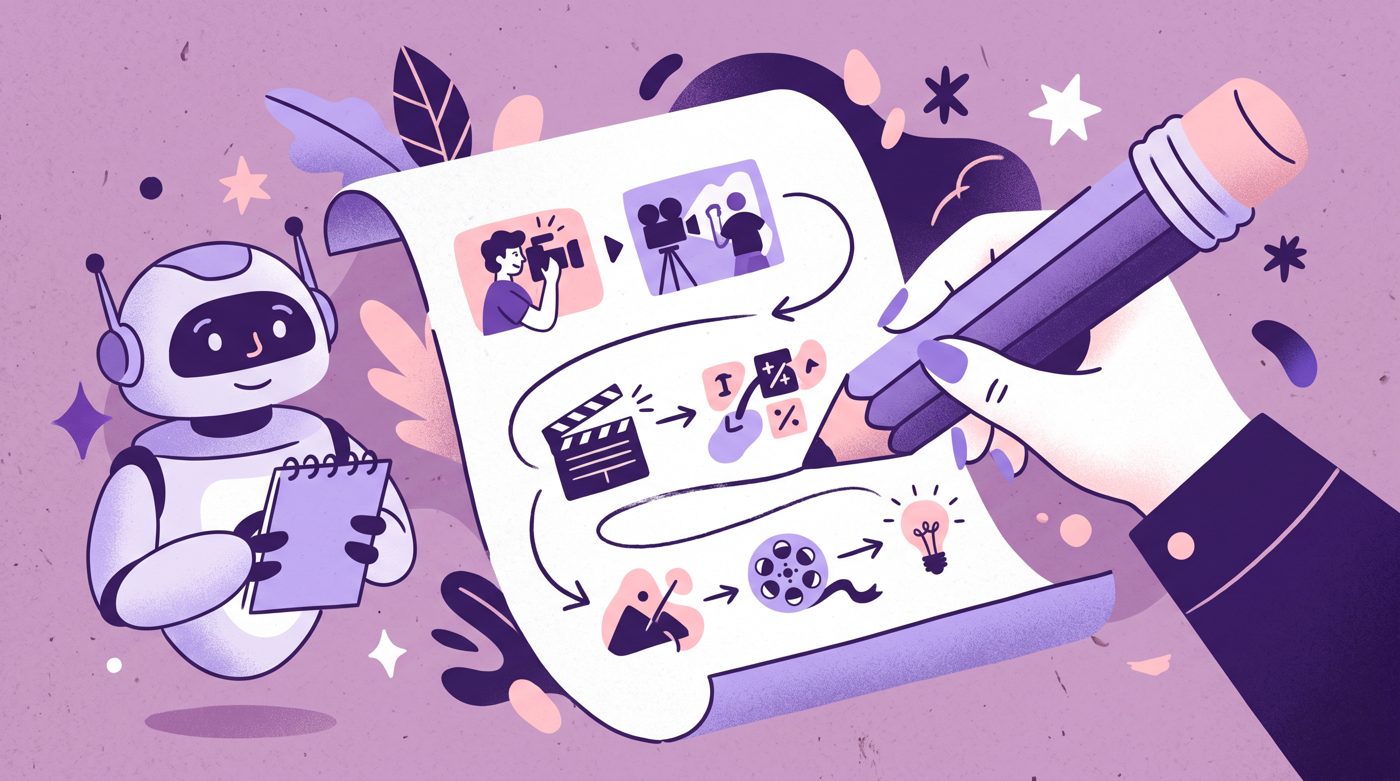
Passing the monetization review requires proof of human effort. The review team looks for an editorial perspective that belongs to you.
- Write your own scripts from scratch or rewrite research in your own personal tone.
- Adjust speech timing, commas, and pitch so the read sounds natural and conversational.
- Add original on-screen visual edits, motion graphics, sound effects, or custom illustrations.
- Avoid using default robotic voices that every spam channel has used since 2018.
If a viewer can close their eyes and instantly think of an automated subway announcement, change the voice model immediately. Modern speech tools offer warmth, breath sounds, and realistic pauses.
What Successful Faceless Videos Look Like
Faceless channels with creative production value do remarkably well. When the visuals carry narrative weight, audiences care about the story, not whether you own an expensive studio microphone.
Look at the animated channel Kayal Cartoons Tamil. Their video Varaan Varaan Poochandi gained 6,572,651 views despite the channel having 4,610 subscribers, which is 1425.7 times its channel size.

6,572,651 views on a channel with 4,610 subscribers, 1425.7 times its size.
The reason that video works is custom visual storytelling. Children and parents watch because the animation delivers the experience, not because of a live presenter on camera.
High-concept explainer channels also prove that audiences love narrated information when research and graphic presentation lead the way.

23,375,122 views on a channel with 25,800,000 subscribers, 0.9 times its size.
Kurzgesagt tackled synthetic systems in AI Just Crossed the Terrifying Line - Now What?, reaching 23,375,122 views with 25,800,000 subscribers. Clear pacing and rich illustrations hold audience attention every single time.
Fixing the Common Narration Traps
The biggest trap is pacing. Default voice generators read every comma with the exact same three-millisecond pause. It sounds tidy, but it puts human brains to sleep.
Real people vary their speed. They rush through simple details and slow down when dropping a punchline or a major revelation.
Mastering how to write a YouTube script will solve half your audio issues before you generate a single sound file.
Break your script into short paragraphs. Insert punctuation marks intentionally. Adding an ellipsis or breaking one long sentence into three tiny bursts creates dramatic pauses.
What to Do This Week to Launch Safely
Start with a single five-minute video idea. Write a script based on personal curiosity or deep research rather than spinning an existing viral post.
Generate your voiceover line by line. If a sentence sounds stiff, rewrite the words until the synthetic reader sounds like a human telling a story across a table.
Pair the audio with meaningful visuals. Cut together custom illustrations, relevant b-roll with color adjustments, on-screen text highlights, and subtle background music.
If drawing every scene and syncing voice lines by hand feels like an impossible mountain of work, you can use Naravid. It turns your script directly into a narrated, illustrated video so you can publish consistently.
Once you hit 1,000 subscribers and 4,000 watch hours, apply for the YouTube Partner Program with confidence. Your original editing and clear editorial effort will speak for themselves.
Useful links
- YouTube Channel Monetization PoliciesOfficial guidelines on reused content and original value requirements.
- YouTube Policy on Altered or Synthetic ContentThe rules for disclosing realistic computer-generated audio and video.
- YouTube Creator StudioThe dashboard where you upload videos and check your monetization status.
- Reddit r/NewTubersA creator community sharing real-world experiences with partner program reviews.
Questions people ask
Will YouTube demonetize my channel just for using an AI voice?
No. YouTube does not ban or demonetize channels simply because they use synthetic audio. Channels lose monetization when their videos consist of low-effort, repetitive, or unoriginal content.
Do I need to disclose that my voiceover is AI generated?
You must disclose it if the voice sounds like a real person saying something realistic. You can select this option with a simple checkbox during the upload process in YouTube Studio.
Can I use free computer voices and still get monetized?
You can, but very robotic free voices increase your risk of getting flagged for repetitive content. Premium voices with natural pacing, breaths, and emotional inflection give your channel a much better chance during manual review.