Start a Kids Story YouTube Channel: A Beginner Guide
A practical guide to picking an age group, writing sweet scripts, creating visuals without drawing skills, and uploading safely.
Starting a kids story youtube channel is one of the friendliest ways to become a creator. You do not need to show your face on camera, buy a cinema lens, or pretend to be an energetic game streamer.
All you need is a simple tale, gentle pictures, and a warm voice. Parents put these videos on during dinner prep or bedtime routines, and toddlers watch their favorites fifty times in a row.
Pick one age group first
A common mistake beginners make is trying to entertain every child at once. A three-year-old wants to see a yellow duck find a puddle. An eight-year-old wants a mystery about a stolen bicycle.
If you mix both styles on one channel, the algorithm gets confused. More importantly, parents will not know if your next upload will calm their toddler or bore their third grader.
- Ages 2 to 4: Bedtime routines, animal sounds, colors, and repeating rhymes.
- Ages 4 to 6: Friendship problems, sharing toys, first days of school, and gentle adventures.
- Ages 6 to 8: Funny fairy tales, school mysteries, and simple moral dilemmas.
Pick one group and stay there for your first twenty videos. Your audience will reward you with long watch sessions.
Writing simple scripts that hold attention
Children have short attention spans for boring talk, but endless patience for clear conflict. Start the story immediately. Do not spend two minutes describing the weather over a fantasy kingdom.
Introduce your main character in the first ten seconds. Give them one clear problem, like lost boots or fear of thunderstorms. Every line of narration should move them closer to fixing that problem.
Keep sentences short. If you want tips on structuring your beats so viewers do not click away early, read how to write a YouTube script.
Notice how effective a two-minute moral story can be in this real upload:

1,521,393 views on a channel with 13,300 subscribers, 114.4 times its size.
The video above from Khoai Tay Tales has 1,521,393 views on a channel with 13,300 subscribers. That is 114.4 times its channel size, running just 2 minutes long. It focuses entirely on a slow, simple moral.
Making visuals without an art degree
You do not need Disney budgets or frame-by-frame pencil sketches. Most successful story channels use simple, colorful 2D pictures with subtle camera movements.
A standard approach is slow zoom-ins, pans across a landscape, and soft crossfades between scenes. Children follow the narrator's voice while their eyes rest on friendly shapes and soft colors.
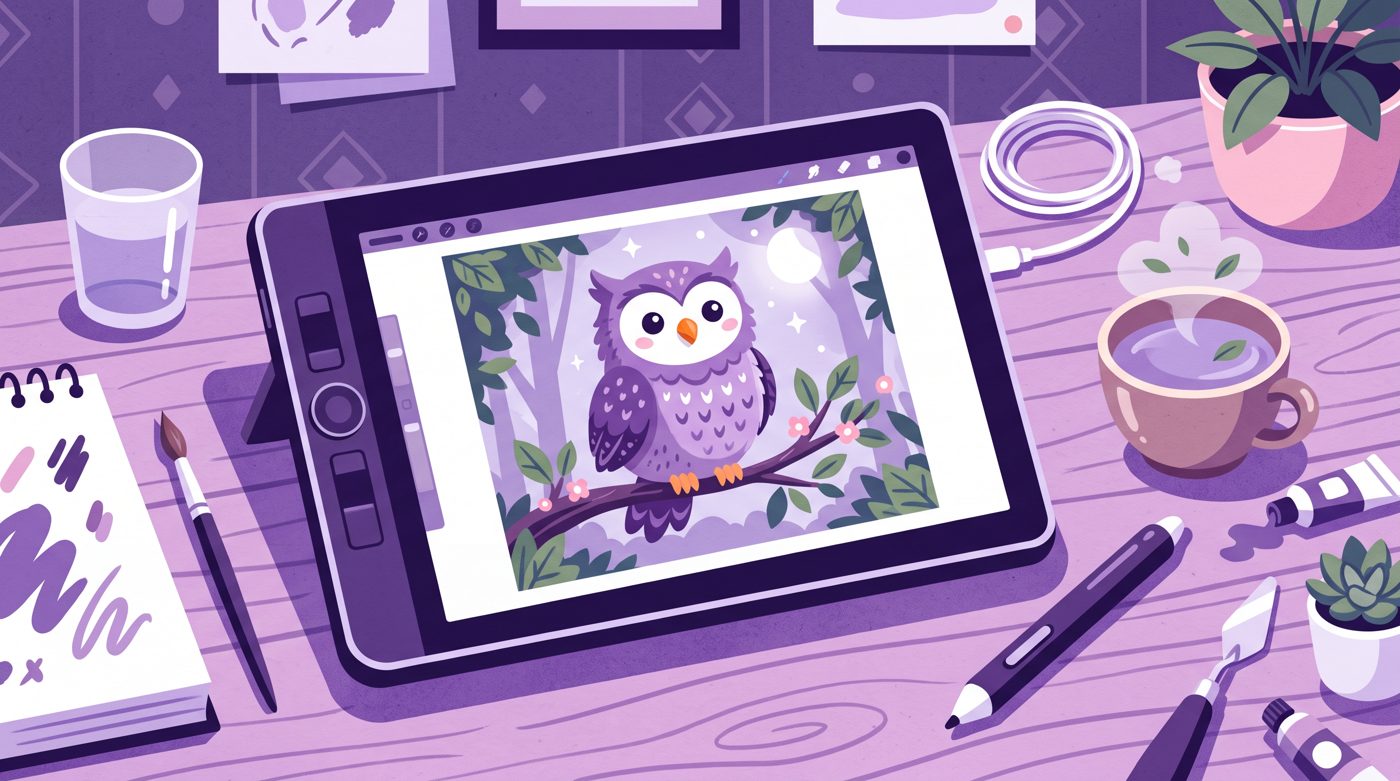
If you draw your own assets, reuse character poses. Draw five expressions for your main character, like happy, surprised, sad, curious, and sleepy. You can reuse those same five faces across dozens of episodes.
If you are starting out alone, our guide on how to start a faceless YouTube channel walks through asset pipelines in detail.
Here is another example of a short, character-driven story that kept viewers watching:

2,833,491 views on a channel with 22,000 subscribers, 128.8 times its size.
This 3-minute video by Nanhi Dunya reached 2,833,491 views with 22,000 subscribers, which is 128.8 times its channel size. A cute panda lost in snow gives kids an instant visual hook.
Voiceover and cozy sound design
Kids love calm, expressive voices. You do not need to sound like a carnival barker shouting through a megaphone. Speak as if you are sitting at the edge of a bed reading a bedtime book.
Leave breathing room between sentences. Adult videos often cut out every millisecond of silence, but kids need that extra second to process what happened.
- Use a USB microphone with a foam pop filter to cut out sharp breathing noises.
- Add low volume acoustic guitar, piano, or music box melodies in the background.
- Sprinkle tiny sound effects like footstep crunching, door creaks, and owl hoots.
Keep background music very quiet. If the music fights your words, parents will mute the video, and kids will lose interest.
Setting up your kids story youtube channel safely
When you upload content for children, YouTube requires you to mark the video as Made for Kids under the Children's Online Privacy Protection Act (COPPA).
Marking your content as Made for Kids turns off personalized ads, channel comments, and community tab posts. While that feels restrictive, it keeps your channel compliant with strict global privacy laws.
Never try to bypass this tag to keep comments open. YouTube's automated detection tools will catch the content anyway, and mislabeling can result in strikes against your account.
Thumbnails that parents and kids both click
Kids pick videos based on large, clear faces and bright colors. Parents click based on emotional safety. A good thumbnail satisfies both.
Feature one large character face showing a strong emotion, like wide eyes or a gentle smile. Avoid cluttered backgrounds with fifteen different toys floating around.
- Pick three high-contrast colors so the image pops on small tablet screens.
- Keep text down to two or three words, or skip text completely.
- Never use scary, distorted, or misleading faces that might frighten little kids.
When a toddler recognizes a cute animal character, they will click that same thumbnail every single morning.
Building a consistent production routine
Creating stories from scratch takes time. If you draw, color, record, and edit everything manually, one short video can easily swallow twenty hours.
To keep publishing weekly without burning out, streamline your pipeline. Write three scripts on Monday, record the audio on Tuesday, and assemble the scenes later in the week.
If drawing every character and animating scene transitions feels like too much work, Naravid is one option that turns your written script into an illustrated, narrated video automatically.
Whatever tools you choose, consistency matters far more than complex visual tricks. Start with one sweet, two-minute story, upload it this week, and see what you learn.
Useful links
- YouTube StudioWhere you manage your channel uploads and set your COPPA kids audience settings.
- YouTube Help on Made for KidsThe official guide explaining how COPPA rules affect comments and channel features.
- CanvaA free tool to design bright, simple thumbnails with bold characters.
- CapCutA beginner-friendly video editor for adding zooms, pans, and soft transitions to story scenes.
- FreesoundA searchable library of free sound effects like footprints, rain, and animal chirps.
Questions people ask
Can a kids story channel get monetized on YouTube?
Yes. Channels marked Made for Kids can join the YouTube Partner Program once they meet the watch time and subscriber requirements. Ads run on kids videos, though they are non-personalized and earn slightly lower rates per view.
Do I need to hire a professional voice actor for kids stories?
No. A friendly, natural voice recorded clearly on an entry-level USB microphone works great. Many successful channels are voiced by parents reading in the same warm tone they use at bedtime.
How long should a kids story video be for beginners?
Aim for two to four minutes per video. Short stories are easier to produce consistently, hold a young child's attention to the very end, and encourage multiple rewatches.