How to Make Faceless YouTube Shorts: Simple Guide
A practical walkthrough on scripting, voiceover, and editing vertical videos without ever turning on a camera.

You can build a huge channel without ever setting up a camera or smiling on command. Learning how to make faceless YouTube Shorts comes down to three basic parts: a clear script, good voiceover, and clean visuals that match your words.
You do not need fancy lighting or an expensive studio. You just need a phone or a laptop and thirty free minutes to assemble your first clip.
Pick a Niche That Works Without a Host
Some video ideas demand a face. Makeup tutorials and personal vlogs feel weird without someone looking at the lens. Other topics work much better when the speaker gets out of the way.
Great faceless formats rely on curiosity or quick explanations. History facts, weird science, book summaries, dark psychology, and gaming tips thrive in vertical video. The audience wants the information, not your bedroom decor.
If you are unsure where to begin, browse our list of YouTube niche ideas that aren't crowded. Pick something you can research for thirty minutes without getting bored.
- History and forgotten events: surprising facts about ancient Rome, strange medieval laws, or naval mysteries.
- Science riddles: unusual animal traits, ocean mysteries, and quick physics demos.
- Productivity and book summaries: one key lesson from a popular non-fiction book in forty seconds.
- Short-form true crime: unsolved cold cases and unusual museum heists told briskly.
Spend an afternoon watching ten successful Shorts in your target niche. Notice how quickly they state the premise. Most do it before you even notice your thumb stopped scrolling.
Write a Script Built for Short Attention Spans
Shorts live or die in the first two seconds. If you open with hello guys welcome back, the viewer has already swiped to a cat falling off a counter. You must start in the middle of the action.
Keep your full word count between 110 and 150 words. Most humans speak about 130 to 150 words per minute. A 120-word script gives you plenty of breathing room for natural pauses and visual transitions.
Need help structuring your sentences? Check out our guide on how to write a YouTube script. Break your text into three distinct blocks.
- The Hook (0-3 seconds): State a problem, a bizarre contradiction, or an unanswered question.
- The Body (4-30 seconds): Deliver two or three rapid details that explain or build on the hook.
- The Twist or Conclusion (30-45 seconds): Provide the final payoff or loop back to the opening line.
Read your draft out loud while running a stopwatch on your phone. If you stumble over a sentence twice, delete half the words and rewrite it with simpler language.
Record or Generate Your Voiceover
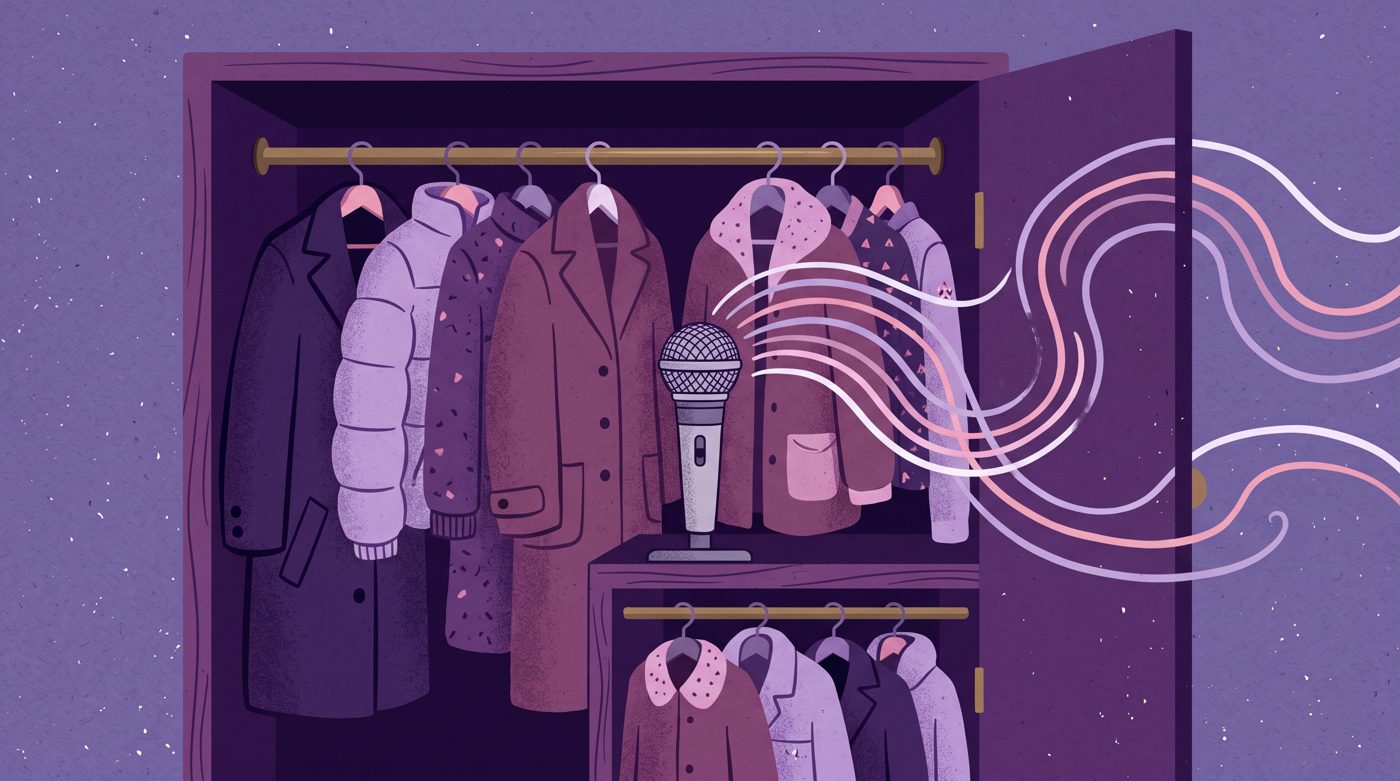
You do not need a studio booth to capture clean audio. Your phone microphone is surprisingly sharp if you hold it five inches from your mouth and speak into a quiet closet full of clothes.
Hanging coats absorb echoes better than bare walls. If you want practical recording techniques, read our walkthrough on how to record voiceover for YouTube at home.
Prefer not to use your real voice? Modern text-to-speech tools have come a long way from the robotic GPS voices of five years ago. Just make sure the delivery sounds relaxed rather than stiff.
Gather Your Visuals Without Filming Anything
A faceless channel needs strong visual variety to hold wandering eyes. If one still image sits on screen for six seconds, the viewer swipes away out of pure boredom.
Change the visual every two to three seconds. You can mix free stock video clips, public domain photos, animated text screens, and screen recordings to keep the pace brisk.
Look through curated libraries of free b-roll footage for faceless YouTube videos. Sites like Pexels, Pixabay, and Wikimedia Commons offer massive catalogs of zero-cost clips you can cut together.
Creators also use AI tools to generate custom graphics or animation loops for their scripts. On his channel Nafay 3D, creator Nafay demonstrated this zero-budget route in his video 'I Found a way To Make Faceless YouTube Shorts for free (No subscription)'.

248,804 views on a channel with 296,000 subscribers, 0.8 times its size.
That video earned 248,804 views on a channel with 296,000 subscribers, showing how much interest exists for free workflows. Another creator, Mr omi, showed an AI script-to-animation workflow in 'How to Make Viral Animated Shorts Using Claude (Full Workflow)'.
1,008,039 views on a channel with 16,400 subscribers, 61.5 times its size.
Mr omi's video collected 1,008,039 views with only 16,400 subscribers, which is 61.5 times its channel size. That shows that audiences care about the final visual story, not whether you bought an expensive cinema camera.
Step by Step: How to Make Faceless YouTube Shorts in Your Editor
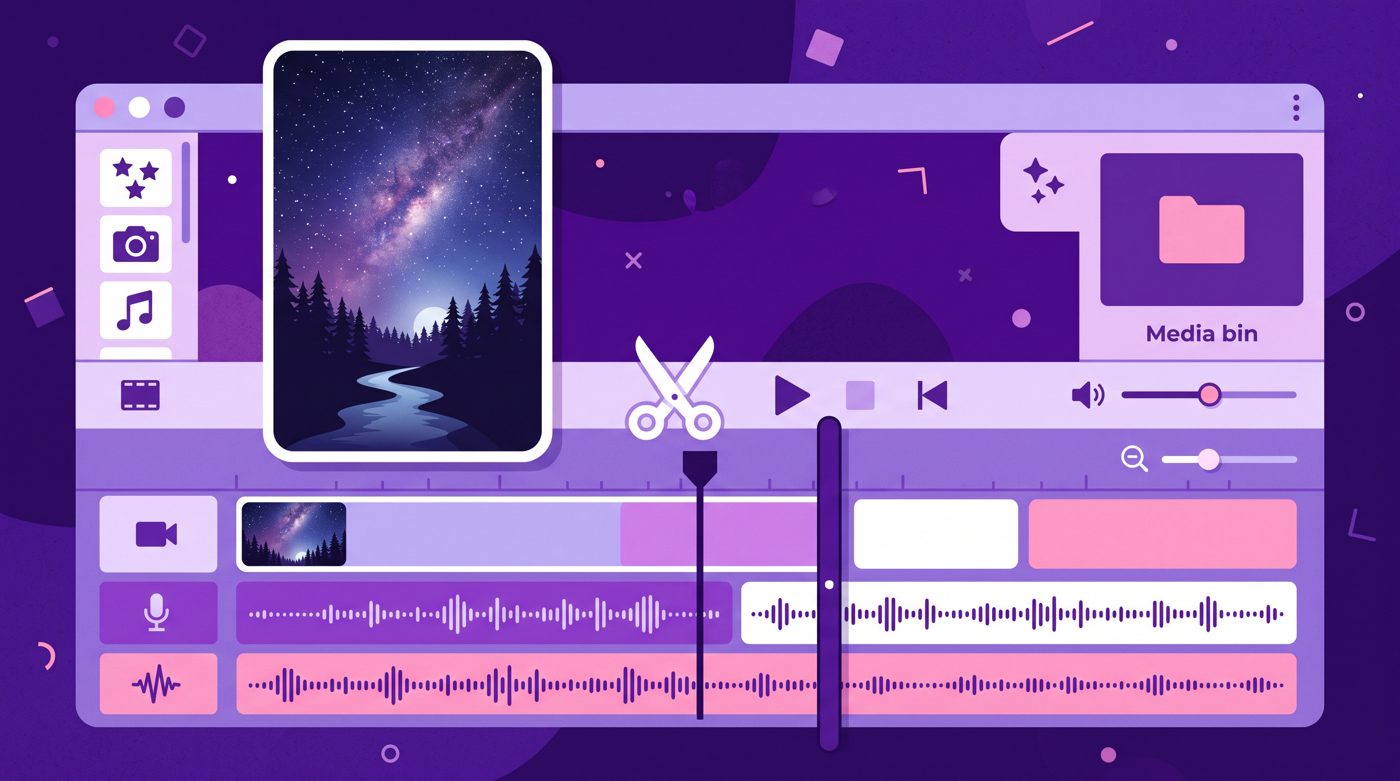
Editing vertical video is simpler than editing widescreen documentaries. You can do the whole project on CapCut, DaVinci Resolve, or Premiere Pro using this standard assembly line.
- Set canvas aspect ratio: Create a vertical timeline set to 1080 wide by 1920 tall (9:16).
- Lay down the voiceover: Cut out all long breaths, awkward pauses, and tongue clicks first.
- Add visual layers: Drop b-roll clips, illustrations, or images directly above the voice track to match every spoken sentence.
- Add subtle motion: Apply a gentle slow zoom or slide to every static photo so nothing stays frozen.
- Generate auto captions: Use built-in auto-caption tools to display one to three words at a time in the center of the frame.
- Layer background audio: Add quiet instrumental music and tiny sound effects on key words.
When you choose music, keep it quiet. Set the music track to around minus twenty decibels (-20 dB) so your voiceover cuts through clearly on cheap smartphone speakers.
Avoid Common Traps That Kill Channel Reach
The fastest way to stall your channel is dumping generic, automated slideshows that look like every other robot channel. YouTube checks for repetitive, low-effort uploads.
Before you upload dozens of clips, review our breakdown on how to avoid reused content on YouTube. You must add your own perspective, original script, or unique editing touch.
Do not rush to post five times a day if the quality falls apart. Making one crisp, entertaining Short three times a week beats flooding your channel with twenty unwatchable slides.
If editing every scene and hunting down twenty b-roll clips each night feels exhausting, tools like Naravid can help you turn your written script directly into an illustrated, narrated video without manual timeline assembly.
Upload and Track the Only Metrics That Matter
When you upload your Short through YouTube Studio, write a clear title that creates curiosity. You do not need twenty hashtags. Add two or three relevant tags like #shorts and your topic name.
After forty-eight hours, open your analytics. Ignore subscriber counts for now and check two specific numbers: Viewed vs Swiped Away, and Average Percentage Viewed.
- Viewed vs Swiped Away: Aim for at least 70% of swipers choosing to watch rather than scroll.
- Average Percentage Viewed (APV): Aim for 80% to 100% or higher. Because Shorts loop, great videos often reach 110% APV.
If people swipe away early, your hook was too slow. If they leave halfway through, tighten your editing and cut three seconds of filler next time.
Useful links
- YouTube StudioThe dashboard where you upload vertical videos and analyze your Viewed vs Swiped metrics.
- Google TrendsA free tool to search what questions and topics viewers are actively curious about right now.
- CapCut Video EditorA free editor widely used for vertical video auto-captions and quick pacing cuts.
Questions people ask
Can you monetize faceless YouTube Shorts?
Yes, faceless channels can join the YouTube Partner Program if they meet the threshold of 1,000 subscribers and 10 million valid public Shorts views in 90 days. Your content must be original, meaning you wrote the script and edited the video rather than re-uploading unedited clips.
What is the best length for a faceless YouTube Short?
Between 25 and 45 seconds is usually the sweet spot for beginners. Shorter videos make it easier to maintain high viewer retention, which signals to the algorithm that your clip is worth showing to more feeds.
Do I need paid editing software to start?
No, free programs like CapCut, DaVinci Resolve, or phone apps are more than enough. They include auto-captions, vertical video formatting, and audio trimming tools without charging subscription fees.